

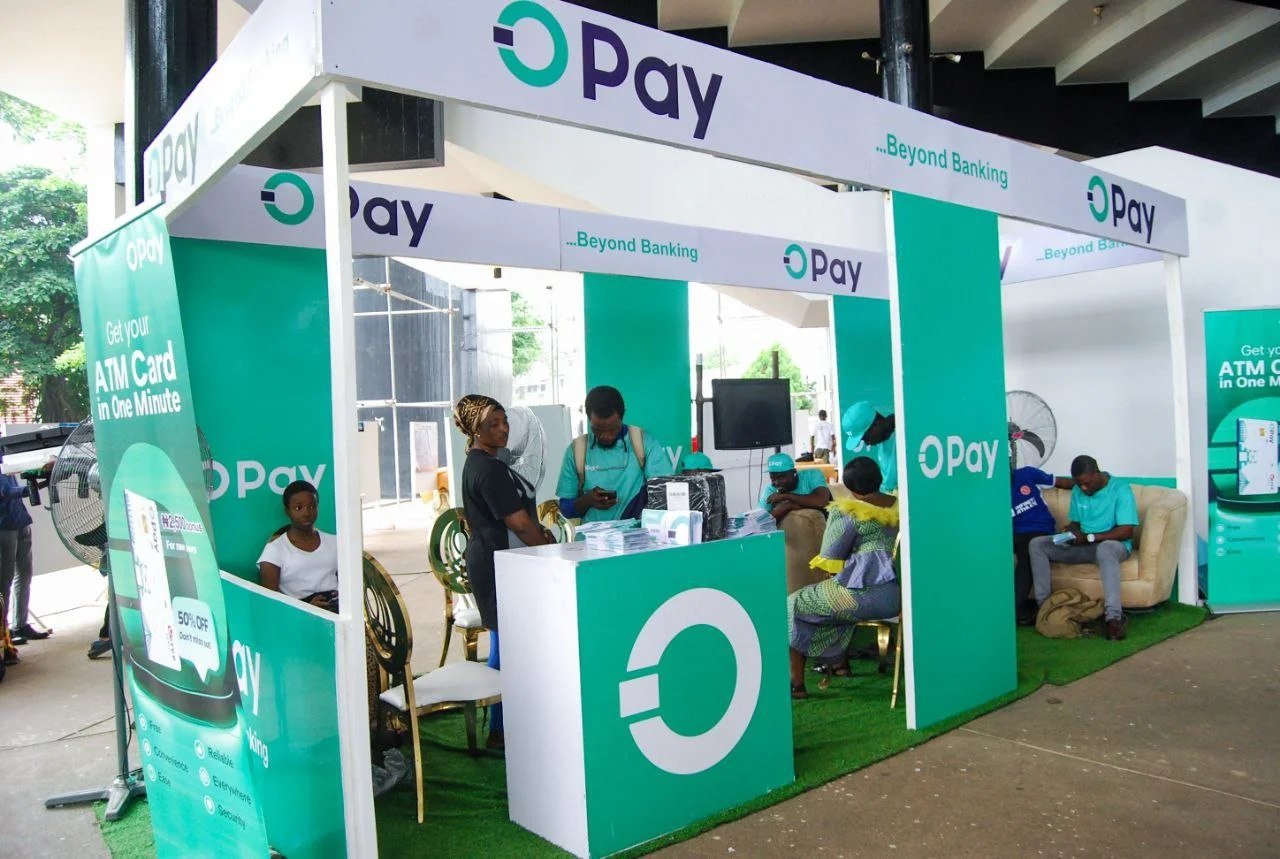
Opening a digital wallet or bank account used to mean queues, paperwork and long waits. Today, you can open an OPay account from your phone in a few minutes. But the rules have changed. Identity verification is now compulsory, and getting it wrong can lock you out of your own money.
This guide walks you through exactly how to open an OPay account in Nigeria in 2026, what you need before you start, how to verify your identity, how to avoid the mistakes that get accounts blocked, and what to do if something goes wrong.
Quick answer: how do I open an OPay account?
- Download the OPay app from the Google Play Store or Apple App Store.
- Sign up with your Nigerian phone number and confirm the OTP.
- Create a password and a transaction PIN.
- Verify your identity with your BVN or NIN.
- Complete face verification if the app asks for it.
- Start using your account.
The detail behind each step follows below.
What you need before you start
Have these ready so you don’t have to stop halfway:
- A Nigerian phone number that can receive SMS, ideally the one linked to your BVN or NIN.
- Your BVN or your NIN. You need at least one of them (more on this below).
- A smartphone with a working camera, since face verification may be required.
- A stable internet connection.
- Your legal name exactly as it appears on your BVN or NIN records. Mismatches are the most common reason for failed verification.
Do I need a BVN or NIN to open an OPay account?
Yes. All OPay accounts now need a BVN or NIN linked to them before they can carry out financial transactions, following a Central Bank of Nigeria directive that took full effect in March 2024. The rules for new sign-ups are just as strict. The CBN stated that new accounts and wallets are not permitted without a BVN or NIN. brandstecheconomy
So if you’re wondering whether you can open an OPay account without a BVN or NIN, the practical answer is no. In 2026 a Nigerian account that can’t verify either one won’t be able to do much.
BVN or NIN: which is better? A NIN alone gets you a functional account, while a BVN is what meaningfully raises your limits. If you have both, use both. That gives you the smoothest experience and the fewest restrictions. brands
How to open an OPay account: step by step
Step 1: Download the official app
Search for “OPay” in the Google Play Store (Android) or the App Store (iPhone). Check that the publisher is the official one and avoid links sent through WhatsApp, Telegram or text messages, since fake apps exist.
Step 2: Register with your phone number
Open the app, tap Sign up (or Register), and enter your Nigerian phone number. You’ll receive an OTP by SMS. Enter it to confirm that the number is yours.
Step 3: Create your password and transaction PIN
Choose a strong login password and a separate transaction PIN. Don’t use your birth year, phone number or repeating digits (such as 1234 or 1111). Never share either with anyone.
Step 4: Verify with your BVN or NIN
The app will ask for your BVN, your NIN, or both. Type the number carefully, because one wrong digit causes a failed verification and some users get stuck here. Make sure the name and details match your official records.
Don’t use anyone else’s number. Attempting to open an account with someone else’s NIN or BVN can lead to a permanent ban. Fintechs also take impersonation seriously. After reports of fraudsters abusing weak verification, OPay removed its bank-account verification option, leaving BVN and NIN as the verification tools. brandstechpoint
Step 5: Complete face verification
You may be asked to take a live selfie. OPay introduced a facial verification system that is backed by checks against NIN and BVN records. To pass it first time: techeconomy
- Use good lighting and face the camera directly.
- Remove glasses, caps or masks.
- Hold the phone steady and keep your face inside the frame.
- Use a recent, clear camera, and don’t try to verify from a photo or screen.
Step 6: Get your account number
Once you’re verified, your account is ready. In general, your OPay account number is your phone number without the leading zero. Confirm it in the app’s profile or receive-money screen before you share it.
Step 7: Add money and secure your account
Fund your wallet by bank transfer to your OPay account number, then:
- Turn on any extra security options in the app (such as biometric login).
- Keep your app updated.
- Check your transaction limits so they fit what you need.
How to upgrade your OPay account and raise your limits
Your limits depend on how fully you’re verified. If you opened with only your NIN, adding your BVN is the usual way to unlock higher limits. Open the app’s Account/Profile or Upgrade section and follow the prompts. Exact limits and tier names change, so confirm them inside the app and on OPay’s official channels.
Common OPay sign-up problems and how to fix them
“BVN verification failed”
Check that you typed all 11 digits correctly and that your name and date of birth match your BVN records. If it still fails, confirm the phone number linked to your BVN with your bank.
“NIN verification failed”
Confirm that your NIN is correct and linked to the same phone number if prompted. If your NIN records are incomplete, contact NIMC or visit a NIMC enrolment centre.
I’m not receiving the OTP
Check your network signal and the number you entered. Wait a minute before requesting another code, and don’t request many in a row.
Face verification keeps failing
Try again in better lighting, without accessories, and make sure your camera lens is clean. If it keeps failing, contact OPay support through the app.
My account was restricted or blocked
OPay has said it terminates accounts with conflicting information, so inconsistent details across your records are a real risk. Contact OPay support through official channels and be ready to prove your identity. techeconomy
Is OPay safe?
OPay operates under Central Bank of Nigeria rules and now enforces mandatory identity verification. But safety also depends on you. To protect your money:
- Never share your PIN, password, OTP, BVN or NIN with anyone, including people who claim to be from OPay.
- Use only the official app and official support channels.
- Be wary of “free money,” “account upgrade” or “verification fee” messages.
- Review your transactions regularly and report anything unfamiliar.
Can I use my OPay account outside Nigeria?
An account opened in Nigeria and verified with a Nigerian NIN and BVN is tied to Nigeria’s banking and identity systems. It doesn’t extend to OPay’s operations in other countries. brands
Frequently asked questions
How long does it take to open an OPay account?
Usually a few minutes, if your details are correct and your BVN/NIN information matches.
Is it free to open an OPay account?
Opening an account is generally free, but fees may apply to some transactions. Check the current fee schedule in the app.
Can I open an OPay account with just my phone number?
You can start with your phone number, but you must add a BVN or NIN before you can transact.
Can I have more than one OPay account?
OPay’s rules limit accounts per verified identity, and duplicate accounts can be restricted. Use one account tied to your own details.
Can I open an OPay account for someone else?
No. Verification is tied to the account owner’s identity, and using someone else’s details can get the account banned.
What should I do if I forgot my BVN?
You can usually retrieve it by dialling 5650# on the phone number linked to your BVN. Confirm the current code with your bank, since these can change.
Final thoughts
Opening an OPay account in 2026 is quick, but only if you come prepared. Have your BVN or NIN ready, make sure your details match, use your own identity, and protect your credentials. Do that, and you’ll have a working account in minutes.
If you’re building better money habits, an account like this is a practical starting point for budgeting, saving and managing your finances day to day. FinasEdge is a community for people who want to understand money and markets, learn from practitioners and grow with serious peers. [Join the FinasEdge community →]
Disclosure: FinasEdge may earn a commission if you sign up through links on this page, at no extra cost to you. This article is for general information only and isn’t financial advice. Always check current terms, fees and limits with OPay directly.